
This One Technique Took Them By Surprise
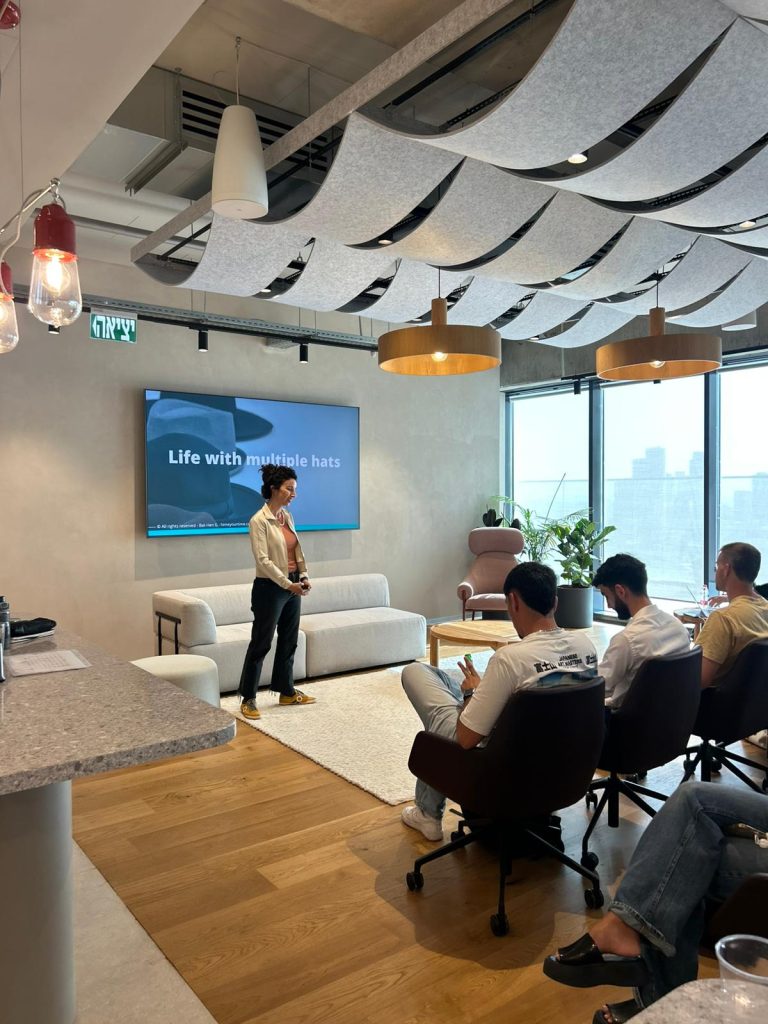
I recently taught a group of extremely talented entrepreneurs. The aim was to help them move faster but without burning out, feeling despair or fatigue, keeping that entrepreneurial runway nice and long until they hit the sweet spot of product-market-fit. Here’s a sample of their feedback, mostly around the surprising technique I teach of how to turn […]
The 8 Pillars of Time-Hacking Techniques
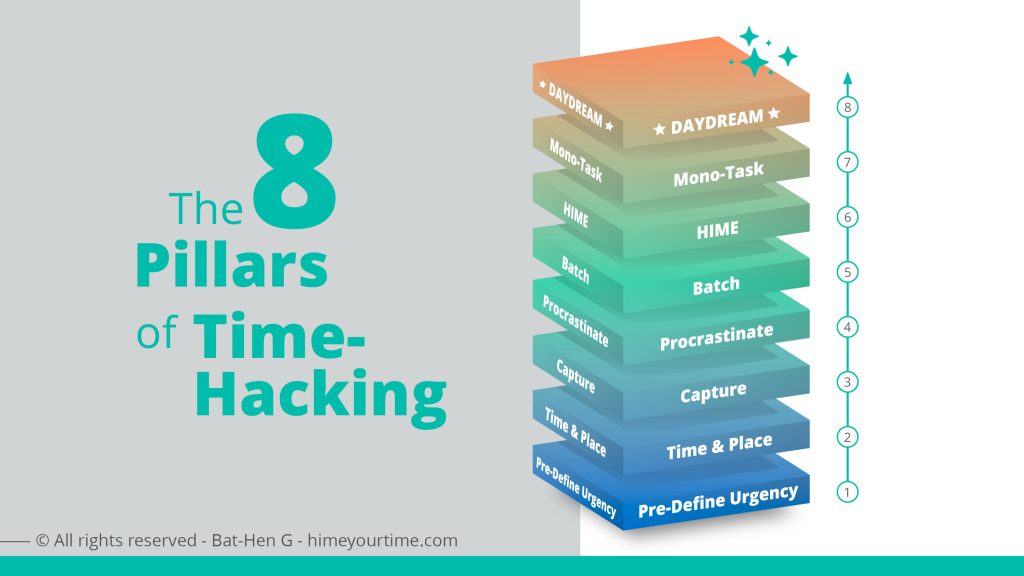
Time-hacking is about designing our attention, energy, tools, and environment so we can produce a large amount of work without ending up with a burnt-out mind or the feeling that getting out of bed is a struggle. Today’s struggles evolve around the flood of information, new tools, agents, skills all leading us into […]
Hicks-Timer: Download To Your Mobile
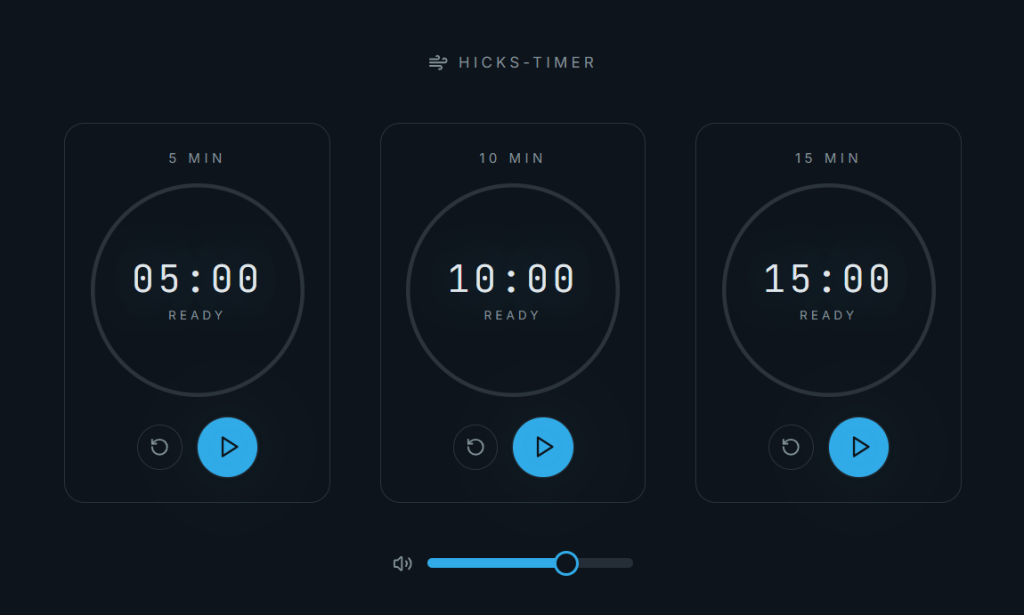
I’m an avid student of Esther Hicks. I have written about her work several times in my blog posts: “Do Less Imagine More” , “Beliefs are just a thought that you continue to think” and have recommended following her channel via RSS either to your Inbox or a tool such as “Feedly – Tool Review”. Any spare moment that can be […]
Don’t Let AI Anywhere Near Inbox, Calendar or Tasks
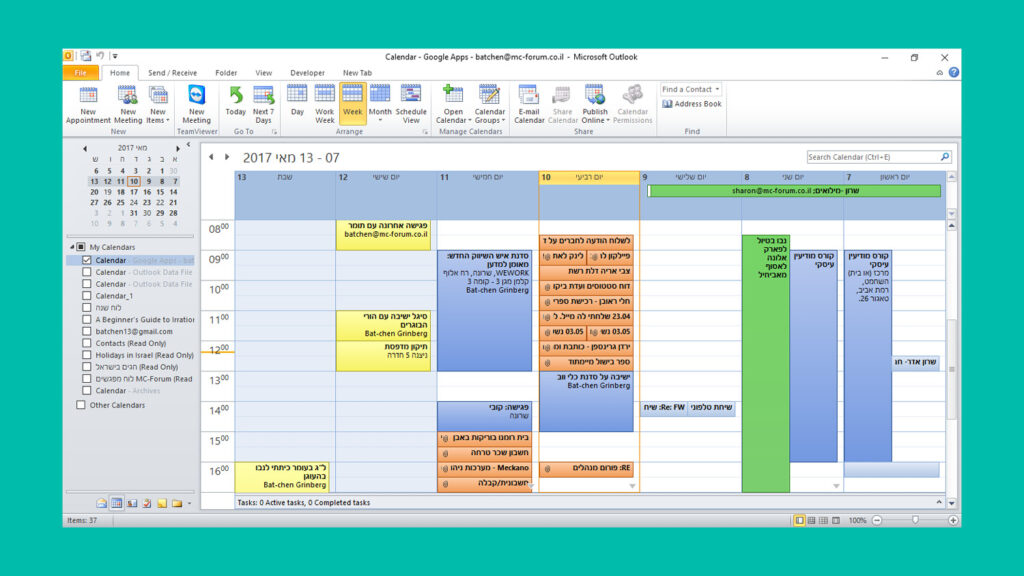
Yes I know this headline may sound counter-intuitive, why should I not let AI save me tons of time and energy? In case you missed out on the story that went viral this week – here’s Meta AI security officer, Yue Summer, trying to control the AI agent that flipped out inside her Email that she had […]
Tool Review: Feedly-Mini

Are you a knowledge worker with a need for content curation of videos, articles & podcasts? I have been an avid user of Pocket, but sadly it recently shutdown. After trying out several new tools including Reader, I ended up sticking with Feedly-Mini , that is a part of the Feedly, my #1 app for RSS feeds. However, […]
Text Replacement Tools / Snippets
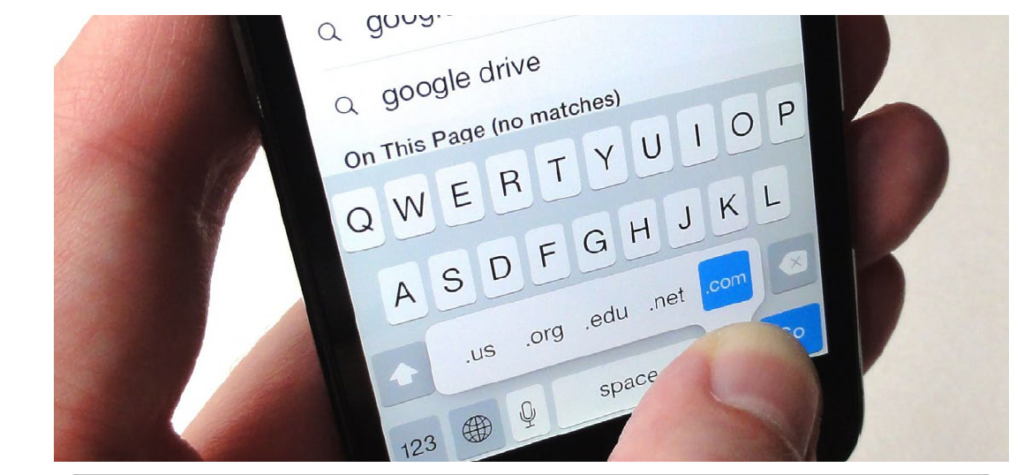
Text snippets are shortcuts that work across apps and can be used to quickly input emails, responses, or frequently used phrases. Once set, typing the shortcut will suggest the expanded text, which you can tap to insert. Main use cases for use of text replacement tools #1 – when we often type the same phrases […]
Keep In Mind: The Human Time-Bias You Want To Work Around

November is a time in which knowledge workers around the world are buzzing with tasks overload, attempts to foster AI while keeping an eye on mental and physical health under a growing amount of pressure and stress. That is why there’s no better time to be reminded of one of our brain time-bias that all […]
Gain Clarity with Lean & Tidy Taskbar
I care about keeping my digital interface lean, clean, tidy and neat. Why? because just like when we walk into the kitchen – before we cook we must first clean the counter, clear the sink and dishes. Otherwise cooking isn’t as efficient. fun or tasty. Same goes for our PC, desktop, mobile, ipad or smart-watch. […]
Managers Pursuit Of Boredom

I recently read a fantastic article titled “ The Only True Goal is Boredom” . Here’s a quote: “…The truly high-status move in 2025 might be the ability to sit in a room doing absolutely nothing… but here’s where we hit the paradox: you can’t pursue boredom directly…It’s about creating the conditions where boredom can […]
5 Must-Know Windows Keyboard Shortcuts
There are endless keyboard shortcuts , but most of us will only use just an essential few. Here is my shortlist for Windows keyboard shortcuts: Press Windows Key + V :Pop-ups your daily clipboard. Everything you copy on 1 work day will be saved and available until computer is shut down OR exceeds more than […]