
Don’t Let AI Anywhere Near Inbox, Calendar or Tasks
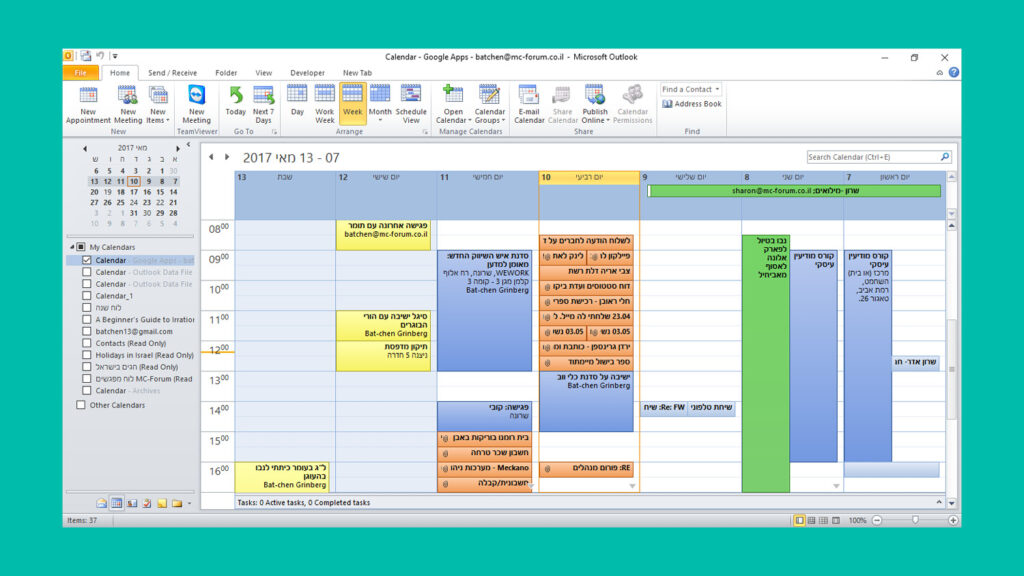
Yes I know this headline may sound counter-intuitive, why should I not let AI save me tons of time and energy? In case you missed out on the story that went viral this week – here’s Meta AI security officer, Yue Summer, trying to control the AI agent that flipped out inside her Email that she hat […]
Tool Review: Feedly-Mini

Are you a knowledge worker with a need for content curation of videos, articles & podcasts? I have been an avid user of Pocket, but sadly it recently shutdown. After trying out several new tools including Reader, I ended up sticking with Feedly-Mini , that is a part of the Feedly, my #1 app for RSS feeds. However, […]
The Hammock Hack

During my recent travel in Vietnam, I came to appreciate the presence of hammocks in every restaurant, hotel or coffee shop , regardless of how remote or secluded the location may be. It seems that Vietnamees know what is right for our bodies and mind. I conducted some research about what I consider an-under-estimated-tool […]
Text Replacement Tools / Snippets
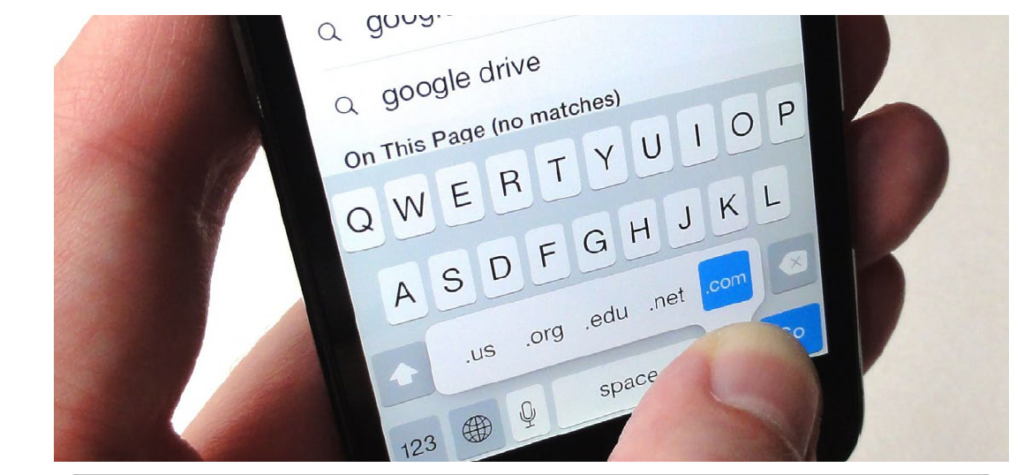
Text snippets are shortcuts that work across apps and can be used to quickly input emails, responses, or frequently used phrases. Once set, typing the shortcut will suggest the expanded text, which you can tap to insert. Main use cases for use of text replacement tools #1 – when we often type the same phrases […]
Tool Review: IFTTT = If This Then That

IFTTT (If This Then That) is an automation tool that connects over 600 apps and devices. It lets you create simple “applets” – conditional rules that automate tasks across services such as task management tools, social media, media outlets, cloud storage, smart home gadgets and many more. IFTTT saves time and simplifies digital workflows without […]
Gmail Is A Mess – Here’s How To Fix Your Inbox

Gmail may be free but that doesn’t mean its the right solution for managing Emails. Gmail requires quite a bit of work in order to make it FUN to manage an overload of emails and tasks. I like fun , I strive for fun so lets turn your Gmail into fun in 4 steps: Step […]
Gain Clarity with Lean & Tidy Taskbar
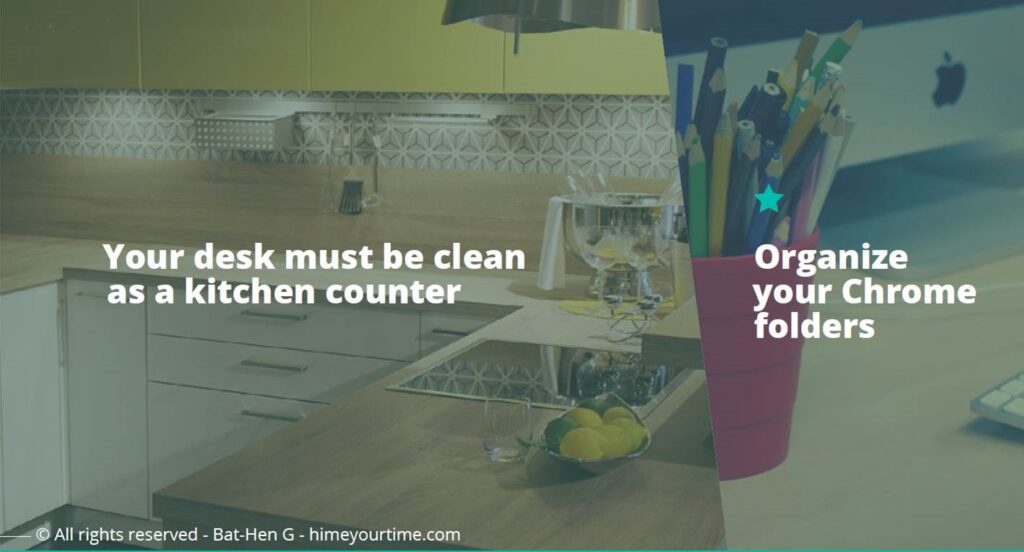
I care about keeping my digital interface lean, clean, tidy and neat. Why? because just like when we walk into the kitchen – before we cook we must first clean the counter, clear the sink and dishes. Otherwise cooking isn’t as efficient. fun or tasty. Same goes for our PC, desktop, mobile, ipad or smart-watch. […]
Managers Pursuit Of Boredom

I recently read a fantastic article titled “ The Only True Goal is Boredom” . Here’s a quote: “…The truly high-status move in 2025 might be the ability to sit in a room doing absolutely nothing… but here’s where we hit the paradox: you can’t pursue boredom directly…It’s about creating the conditions where boredom can […]
5 Must-Know Windows Keyboard Shortcuts
There are endless keyboard shortcuts , but most of us will only use just an essential few. Here is my shortlist for Windows keyboard shortcuts: Press Windows Key + V :Pop-ups your daily clipboard. Everything you copy on 1 work day will be saved and available until computer is shut down OR exceeds more than […]
Product Review: MyMind

MyMind – A (very) Visual Capturing Tool MyMind is a beautifully designed visual capturing tool with smart AI functionalities, that is designed to work in a free-flow and scattered state of mind, just like our own minds work. Main features include: • Smart bookmarking – whenever you capture a website –you’d see its thumbnail and […]