Are you a knowledge worker with a need for content curation of videos, articles & podcasts?
I have been an avid user of Pocket, but sadly it recently shutdown. After trying out several new tools including Reader, I ended up sticking with Feedly-Mini , that is a part of the Feedly, my #1 app for RSS feeds.
However, to reach the Feedly-Mini features one must upgrade to the Feedly-Pro account which is approximately $70 yearly membership. I find that it’s very well worth it. Download it here . To read my Feedly tool review click here
How It Works
1. Install Feedly Mini: Chrome | Firefox Add-ons
2. While browsing any website, click the Feedly Mini icon
3. Choose which Board to save it to
4. Add tags if you want
5. Done! The article is saved to Feedly
What This Gives You (Just Like Pocket)
• Capture articles from anywhere on the web
• Organize with Boards (similar to Pocket’s tags/folders)
• Search your saved content
• Read in Feedly’s zen mode reading interface
• Access from web, iOS, or Android

The Feedly Workflow For Pocket Users
• Feedly Mini = capture anything while browsing (like Pocket extension)
• Boards = organize saved items (like Pocket folders/tags)
• Mobile apps = read your saved content anywhere
Bonus features you get with Feedly that Pocket didn’t have:
• Follow RSS feeds from your favorite sources
• Everything in one place (captured articles + feed articles)
• Power Search to discover new sources
Look Out For The Following
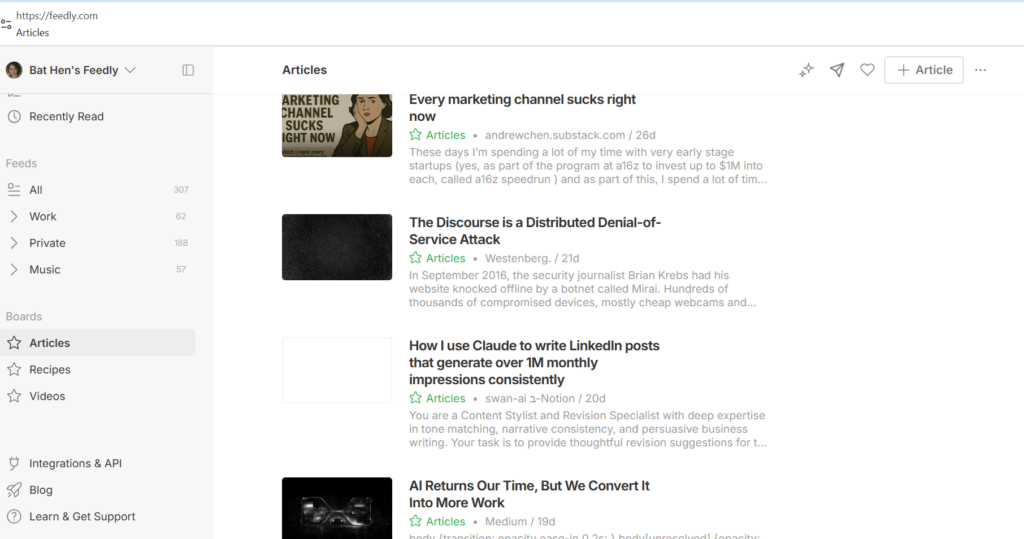
1. Limit the # of boards: I recommend 3 boards as a starting point; 3 content categories
2. Limit the # of content pieces: I recommend appr. 10 maximum 15
3. After capturing, it’s better to consume the content on a different time and day and on a different device. I consume content via iPad, not via PC. This way, I am able to give my full attention of 1-2 hours without being distracted towards emails or instant messages.
4. Have a task inside your calendar titled “Feedly” or “Articles & Videos” or how ever you’d like to name it. Mark it as a work task, and FWD it manually inside your calendar in leaps of about a month each time. When you get a good 1-2 hours of reading and watching new material every month, it’s a sign of how well you manage your time.
5. you can capture your podcasts into a Feedly-Mini board and listen on the go, and that does not need to show up in calendar.
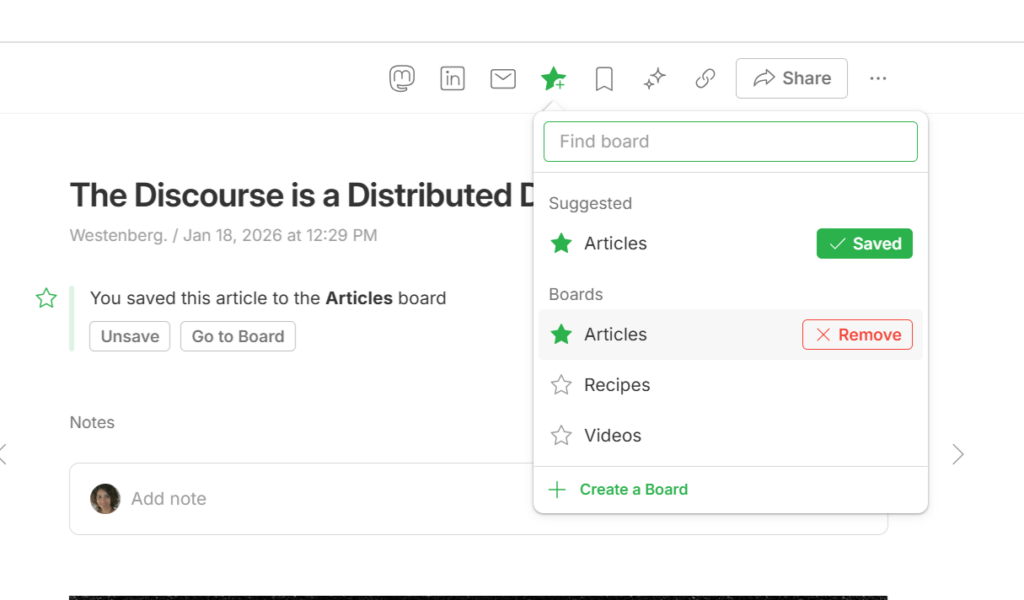
6. To delete content – simply uncheck and it will vanish from content list, see pic
Expect to Have This Problemd
sometimes the Feedly-Mini add-on fails to extract content due to sites limitations (some sites won’t allow third party tools to extract information) therefore I use my Chrome shortcuts to copy the link, see pic

Then add it manually to the right board in Feedly. Since Feedly is pinned to my taskbar, then that “manual labor” is frictionless

Integrations and Automations
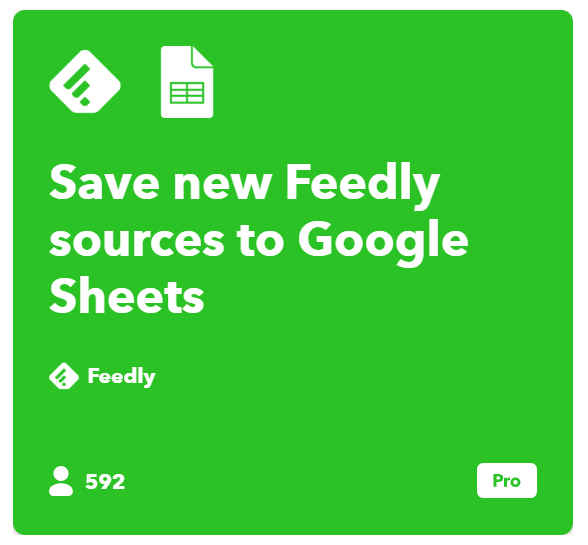
Personally I use the IFTTT-Feedly automation (available for paying costumers only),
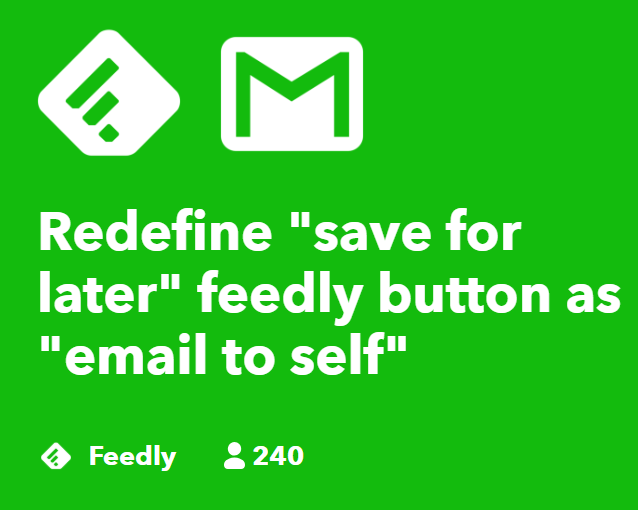
I use the applet “Redefine save for later button to send email”. Meaning, whenever
I read an article inside Feedly that needs further work, perhaps share with someone, borrow an idea, read more about a certain writer or product, I press “save for later” icon, delete the article from Feedly and it waits in my Inbox, Often I will just copy a paragraph and send it over to my Inbox via the “Send new IOS reminder to Email” applet, also available on IFTTT.